
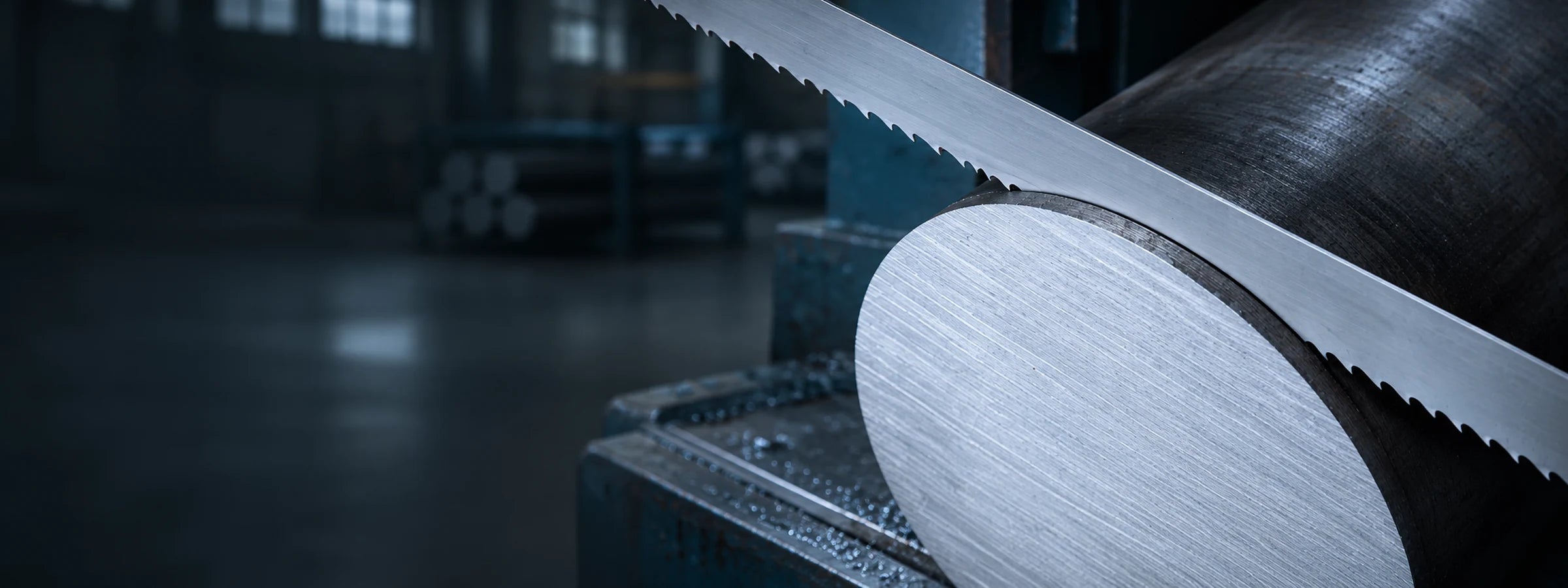
Practical setup and cutting advice for SharkTooth M42 bi-metal blades on horizontal bandsaws. Your saw manufacturer's manual comes first. Use this guide alongside it.
Jump to: Safety · Break-in · Tooth pitch · Blade speed · Feed · Coolant · Tension and guides · Chip brush and cleaning · Troubleshooting · When to replace
1. Safety first
- Stop the saw and isolate the power before changing a blade, adjusting guides or cleaning.
- Wear gloves when handling blades. New teeth are very sharp.
- Clamp the work securely in the vice before every cut. Loose work chips teeth and can throw the blade.
2. Break in every new blade
New teeth have very sharp tips. A short break-in hones them slightly so they don't chip, and it adds a lot to blade life.
- Fit the blade with the teeth pointing in the cutting direction, set the guides and tension it to your saw's specification.
- Use the recommended blade speed for the material you are cutting.
- Reduce your normal feed rate by 30–40%. For example, if you normally feed at 100 mm/min, start at 60–70 mm/min.
- Run the blade like this for 30–60 minutes of cutting, increasing the feed slightly with each cut.
- Then return to your normal speed and feed.
Source: Bichamp published bi-metal break-in instructions.
3. Choose a starting tooth pitch (TPI)
TPI is a starting point, not a fixed rule. The right pitch depends on the size of the material, the wall thickness, the section shape and the cutting angle. As a general guide, keep at least 3 teeth in the cut at all times.
| What you're cutting | Typical starting TPI |
|---|---|
| Thin-wall tube, sheet and light sections | Finer: 6-10, 10-14 |
| General fabrication: angle, channel, medium tube, small solids | Medium: 4-6, 5-8 |
| Large solids and heavy structural sections | Coarser: 2-3, 3-4 |
For bundles, angled cuts or unusual sections, call us on 1300 797 720 and we'll suggest a pitch.
4. Blade speed
Blade speed (metres per minute) depends mainly on the material. Harder and tougher materials need a slower blade speed. Use your saw's speed chart for the material grade.
- Too fast: heat builds up and the teeth wear quickly.
- Too slow: the blade rubs rather than cuts, and cutting takes longer.
5. Feed
Feed is how fast the blade moves down through the work. Set it separately from blade speed.
- Too heavy: teeth chip or strip, and cuts run out of square.
- Too light: the teeth rub and dull quickly.
- Watch the chips. Thin, powdery chips usually mean the feed is too light. Dark blue or burnt chips usually mean too much heat, so check feed, speed and coolant.
6. Coolant
Coolant lubricates the cut, carries heat away and helps flush chips out of the teeth.
- Mix it to the manufacturer's dilution and keep it clean.
- Aim the flow at the blade where it enters the cut.
- Top up and change it regularly. Old, contaminated coolant shortens blade life.
7. Tension and guides
- Tension the blade to your saw manufacturer's specification. Too low and the blade wanders and cuts out of square. Too high and the blade can crack.
- Check the guide blocks and guide bearings. Worn guides cause crooked cuts and early blade cracking.
- Move the guide arms as close to the work as possible.
8. Chip brush and cleaning
- Check the chip brush is working and touching the teeth. A worn or missing brush lets chips get carried back into the cut, which chips the teeth.
- Clear swarf from the guides, wheels and cutting area regularly.
9. Troubleshooting
If cutting performance drops, stop and check the setup and the blade condition before carrying on.
| Problem | Check |
|---|---|
| Teeth chipping or stripping | Break-in, feed too heavy, TPI too coarse for the section, chip brush, work clamped securely |
| Cuts out of square | Blade tension, worn guide blocks, feed too heavy, guide arms too far apart, blade not broken in |
| Blade cracking at the gullet or body | Tension too high, worn guides or wheels, wheels out of alignment |
| Fast tooth wear | Blade speed too high, feed too light, coolant mix or flow, hard scale on the material |
| Vibration or rough finish | Guides loose or worn, tension too low, blade speed, TPI |
10. When to replace a blade
Replace the blade when you notice slower cutting, more noise or vibration, a poorer finish or cuts drifting out of square that setup changes don't fix. Running a blade until it breaks usually costs more in downtime and scrap than a new blade.